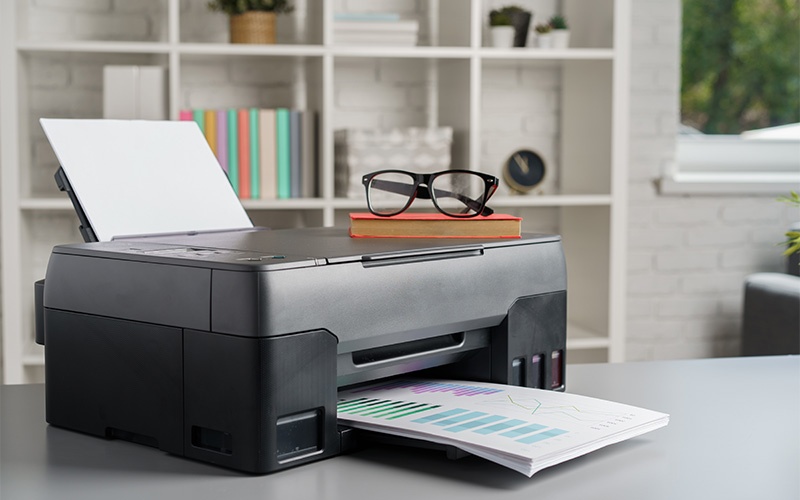
Top Features to Look for in an Office Printer for SME Workplace
Running an SME comes with enough challenges, and your office printer should not be one of them. Here are the features that matter when choosing one.
Read article Total Trusted Service
Singapore
Since 1993
Total Trusted Service
Singapore
Since 1993
A malfunctioning office copier can bring work to a standstill. Many common issues can be prevented with simple care routines and smart habits.
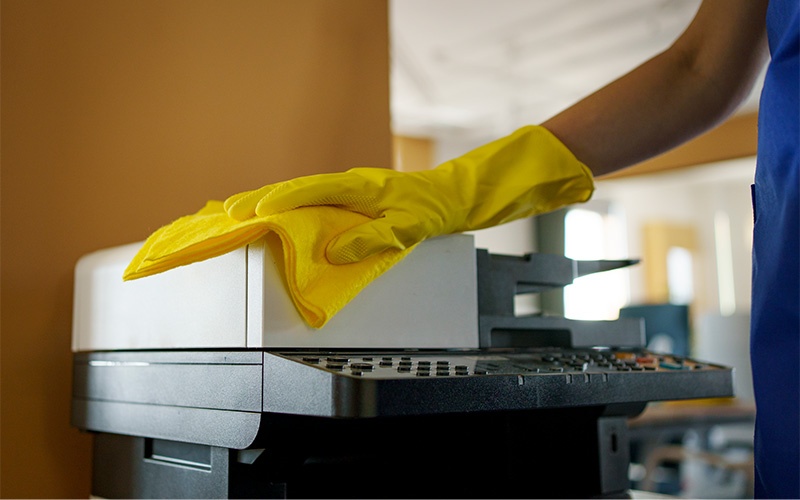
For busy Singapore offices, a malfunctioning office copier can bring work to a standstill. From missed deadlines to frustrated employees, the impact of a breakdown is more than just inconvenient — it can be costly. Fortunately, many common issues can be prevented with simple care routines and smart habits.
Dust, toner residue and paper fragments naturally accumulate in a photocopy machine over time. If left unattended, these particles can cause paper jams, streaky prints or even overheating. Cleaning your copier is a critical maintenance step — it is about performance, not just appearance.
Wipe down the glass, paper trays and rollers with a lint-free cloth, and avoid harsh chemicals that might damage components. Regular cleaning ensures clear prints while reducing mechanical strain and extending the life of the device.
Using poor-quality paper or incompatible toner cartridges can seriously harm a company printer. Low-quality sheets can curl, jam or leave excess dust inside the machine, while the wrong toner cartridges may cause uneven print quality or damage internal components. Always stick to the recommended paper type and toner for your model to reduce wear and tear and ensure consistent output.
Even diligent cleaning and careful use cannot replace routine professional maintenance. Certified technicians can inspect internal parts, lubricate moving components and detect minor issues before they escalate into major, costly breakdowns.
Scheduling periodic service for your office copier is a proactive approach that pays off in longevity and performance. A well-maintained photocopy machine performs consistently, avoids unnecessary repairs and delivers high-quality prints.
A surprisingly common cause of copier breakdowns is human error. Incorrect paper loading, rough handling of trays or misuse of copier settings can lead to jams, misfeeds or mechanical failure. Brief training sessions encourage mindful operation — staff should understand how to adjust paper settings, replace toner correctly and avoid forcing stuck pages.
Maintaining an office copier does not have to be complicated. Keep it clean, use the right supplies, schedule professional servicing and train staff — these four steps help your office avoid the most common breakdowns and protect your investment.
For offices seeking hassle-free copier care, TTS Copier provides expert maintenance and reliable support for all your copier machines and company printers in Singapore. Contact us today to schedule a service or learn more.
From TTS Copier
Get a free, no-obligation quotation for your office — or talk to our team about the right machine, plan or service for the way you work.
Prefer to talk? Contact us or WhatsApp +65 8959 5500.
Running an SME comes with enough challenges, and your office printer should not be one of them. Here are the features that matter when choosing one.
Read article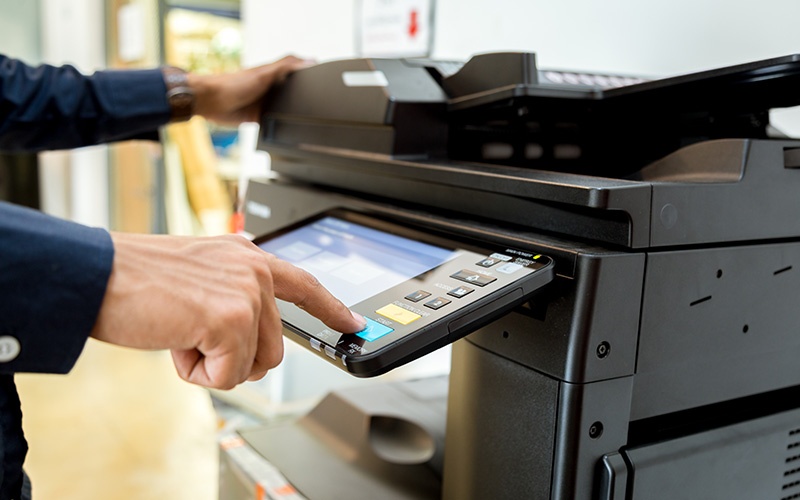
Even small inefficiencies can snowball into big productivity losses. The right copier can turn bottlenecks into smooth, streamlined processes.
Read article