
Key Takeaways
- Regular Cleaning Prevents Issues – Keeping the glass, rollers, and trays free of dust and toner residue reduces paper jams, streaky prints, and mechanical strain.
- Use Recommended Supplies – High-quality paper and compatible toner cartridges protect internal components, ensuring smoother operation and extending your copier’s lifespan.
- Professional Maintenance and Proper Training Matter – Routine servicing by certified technicians, combined with staff training on correct usage, helps detect small issues early and prevents costly breakdowns. These printer maintenance tips will keep your office devices running efficiently.
Introduction
For busy Singapore offices, a malfunctioning office copier can bring work to a standstill. From missed deadlines to frustrated employees, the impact of a breakdown is more than just inconvenient; it can be costly. Fortunately, many common issues can be prevented with simple care routines and smart habits.
Here are essential printer maintenance tips to keep your office running smoothly.
1. Clean the Copier Regularly
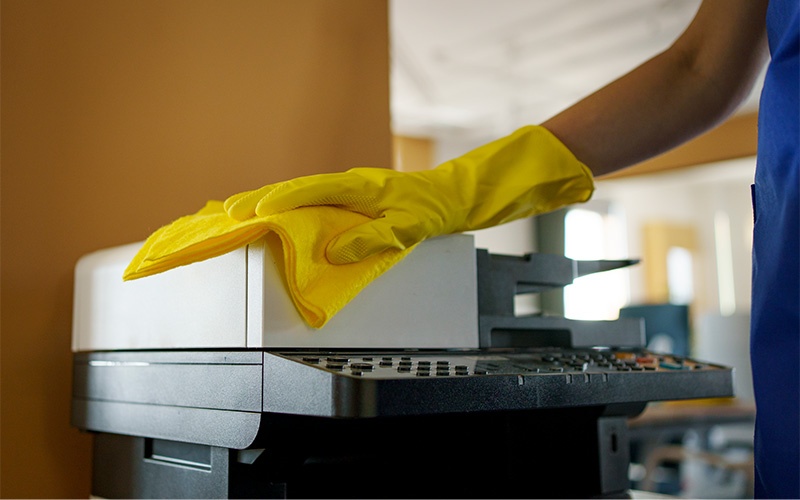
Dust, toner residue, and paper fragments naturally accumulate in a photocopy machine over time. If left unattended, these particles can cause paper jams, streaky prints, or even overheating. Cleaning your copier is thus a critical maintenance step; it’s about performance, not just appearance.
To properly clean your device, wipe down the glass, paper trays, and rollers with a lint-free cloth and avoid harsh chemicals that might damage components. Regular cleaning ensures your copier machine produces clear prints while reducing mechanical strain, ultimately extending the life of your device.
2. Use the Right Paper and Supplies
While it might seem minor, using poor-quality paper or incompatible toner cartridges can seriously harm a company printer. Low-quality sheets can curl, jam, or leave excess dust inside the machine, while wrong toner cartridges may cause uneven print quality or damage internal components. Therefore, always stick to the recommended paper type and toner for your model. Doing so not only significantly reduces wear and tear but also ensures smoother operation and consistent output. Incorporating this printer maintenance tip can save your office from unexpected downtime and costly repairs.
3. Schedule Professional Servicing
Even the most diligent cleaning and careful use cannot replace routine professional maintenance. Certified technicians can inspect internal parts, lubricate moving components, and detect minor issues before they escalate into major, costly breakdowns.
Scheduling periodic service for your office copier is a proactive approach that pays off in longevity and performance. A well-maintained photocopy machine performs consistently, avoids unnecessary repairs, and delivers high-quality prints, keeping your business operations uninterrupted.
4. Train Staff on Proper Usage
Another surprisingly common cause of copier breakdowns is human error. Incorrect paper loading, rough handling of trays, or misuse of copier settings can directly lead to jams, misfeeds, or even mechanical failure.
To counteract this, providing brief training sessions for employees on proper usage encourages mindful operation and reduces risks. Staff should understand how to adjust paper settings, replace toner correctly, and avoid forcing stuck pages. Including this as part of your comprehensive printer maintenance tips ensures that every person using the machine contributes to its longevity.
Maintaining an office copier doesn’t have to be complicated. By implementing these four steps—keeping it clean, using the right supplies, scheduling professional servicing, and training staff—your office can avoid the most common breakdowns. These proactive measures not only protect your investment but also enhance workflow efficiency and reduce frustration.
For offices seeking hassle-free copier care, TTS Copier provides expert maintenance and reliable support for all your copier machines and company printers in Singapore. Follow our printer maintenance tips to keep your devices running smoothly all year round. Contact us today to schedule a service or learn more!
